
Define the shooting pace.
Fast street capture, travel work, studio product shots, and action scenes all ask for different handling. Choose gear that keeps your hands calm when the moment moves quickly.
A practical Optivue guide for matching digital cameras, compact cameras, action cameras, lenses, filters, lighting, stabilizers, bags, and cleaning tools to the way you actually shoot.
Instead of choosing by specs alone, begin with the scene: movement, distance, light, pace, and how much gear you can carry without breaking the shoot rhythm.
Fast street capture, travel work, studio product shots, and action scenes all ask for different handling. Choose gear that keeps your hands calm when the moment moves quickly.
Sharp files depend on clean glass, stable filters, protected lenses, and careful storage. Small accessories often decide whether a strong frame stays clean.
Lighting gear, stabilizers, tripods, and grips reduce visual noise. They help you turn a difficult scene into a controlled creative environment.

Choose a digital camera when you need more manual control, stronger detail, dependable lens options, and a workflow that can scale from studio scenes to field shoots.
Compact cameras make sense when mobility matters. They are strong for travel, quick visual notes, casual creator work, and clean capture without a large bag.
Action cameras support compact rigs, first-person views, fast motion, and mounting points where larger cameras are impractical. Pair them with stable mounts and protective storage.
Camera guides often begin with megapixels and sensors, but real-world clarity also depends on the optical layer in front of the camera. Lens filters, clean surfaces, controlled reflection, and protected storage all affect the frame before editing begins.
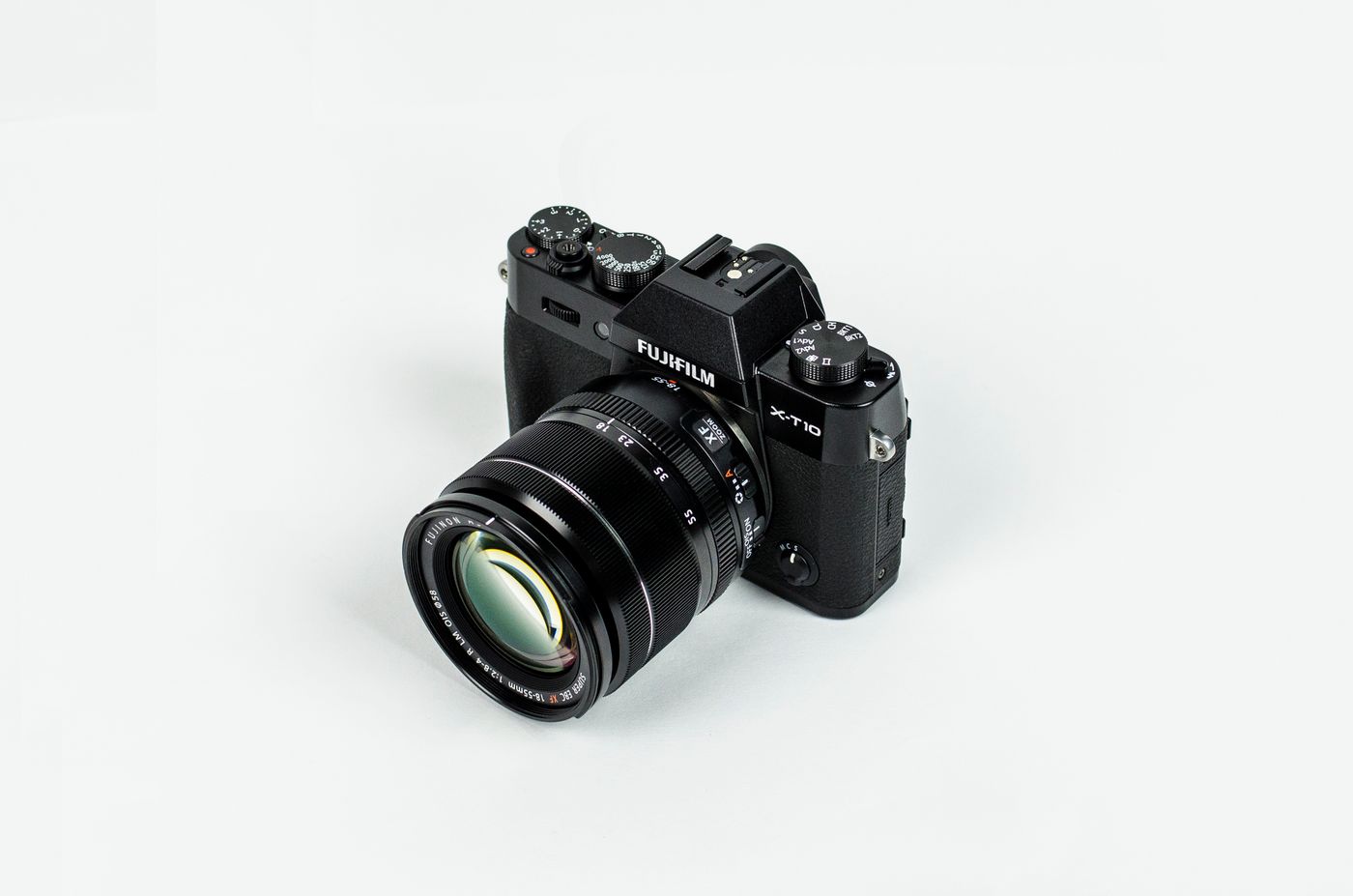
A refined camera setup balances capture quality, speed, protection, and control. Use these guide points to keep the kit useful instead of crowded.
Choose the camera body for control, size, battery rhythm, and the kind of scenes you shoot most.
Use lens filters, caps, and cleaning tools to keep clarity consistent across changing light.
Add a stabilizer, tripod, or mount when smooth movement and repeatable framing matter.
Use a camera bag layout that makes batteries, cards, filters, and tools easy to reach fast.

Explore cameras, optics, filters, stabilizers, lighting gear, camera bags, cleaning kits, and creator accessories selected for clarity, control, and reliable creative use.